

Today, Ruby 4.0 was released. What an exciting milestone for the language!
This release brings some amazing new features like the experimental Ruby::Box isolation mechanism, the new ZJIT compiler, significant performance improvements for class instantiation, and promotions of Set and Pathname to core classes. It’s incredible to see how Ruby continues to thrive and be pushed forward 30 years after its first release.
To celebrate this release, I’m happy to announce that I’ve been working on porting the Charmbracelet Go terminal libraries to Ruby, and today I’m releasing a first version of them. What better way to make this Ruby 4.0 release a little more glamorous and charming?
I’ve been a huge fan of the Charm terminal libraries for years. I’ve always loved the aesthetics and the look & feel of the Charm libraries. Every time I see a CLI tool built with them, I get a little envious. The attention to detail, the smooth animations, the gorgeous styling, it all just feels right. I’ve spent more time than I’d like to admit just playing around with their demos and admiring how polished everything looks.
For a long time, I wished we had something like this in Ruby. So I finally decided to stop wishing and start building. Spoiler: some of these are pure Ruby ports, while others are bindings to their Go-library counterparts.
What is Charm?
Charmbracelet is an open source project building tools for the terminal. Their tagline is “We make the command line glamorous.”, and they truly deliver on that promise.
The Charm team believes that developer experience is user experience. APIs and CLIs are user interfaces at the end of the day, and they deserve the same care and attention as any visual design. This philosophy has led them to build some of the most beautiful and well-designed terminal libraries in any language.
What sets Charm apart is that their tools make people feel something. When you see a Charm-powered application for the first time, there’s a moment of delight, a “wow, I didn’t know the terminal could look like this.” That’s not an accident. It’s the result of caring deeply about craft and aesthetics in a space where most tools are purely functional.
One of their key insights was separating structure from style, mirroring how the web separates HTML from CSS. Lipgloss handles styling and layout, while Bubble Tea provides the application architecture. This separation makes it easy to build complex UIs without mixing concerns.
The Charm Ecosystem
The Charm libraries are thoughtfully designed with composable pieces that work together beautifully:
- Lipgloss provides the styling primitives like colors, borders, padding, and alignment
- Bubble Tea gives you the Elm-inspired Model-View-Update architecture for building interactive TUIs
- Bubbles offers ready-to-use components built on Bubble Tea
- Glamour renders Markdown gorgeously in the terminal
- Huh? makes building interactive forms a breeze
- Harmonica provides spring-based animations and easing functions
- Gum democratizes interactive UIs for shell scripts
Each library solves one problem well, and together they form a complete toolkit for building beautiful terminal applications.
Why Port Charm to Ruby?
Ruby has always been a joy to work with. They say Ruby is a programmer’s best friend, and I think that’s true. For 30 years, the language has embodied a philosophy of making coding more human, intuitive, and enjoyable. Matz built Ruby around the Principle of Least Surprise, valuing craftsmanship and expressive code over hype-driven trends. It’s a language that cares about how things feel.
Charm shares that same DNA. Their tools prioritize developer happiness, expressiveness, and craft. When I discovered Charm, I immediately thought: this belongs in Ruby.
We have great tools for building CLIs, but when it comes to building rich, interactive, beautiful terminal applications, we’ve been missing the kind of cohesive ecosystem that Charm provides for Go.
I wanted to change that. Ruby developers deserve glamorous terminals too. I want Ruby developers to build terminal applications so beautiful that even people who “don’t like CLIs” find themselves captivated.
These ports aim to bring that same level of polish and developer experience to Ruby. Quick script or full-blown TUI app, you should be able to make it look stunning with minimal effort.
A Renaissance in Ruby Developer Experience
This project is part of a broader movement happening in the Ruby community. Over the past few years, we’ve seen an incredible focus on improving the developer experience, and it’s been driven by a key insight: strategic standardization enables innovation.
Just as Rails revolutionized web development by standardizing conventions, the Ruby ecosystem is now applying the same principle to developer tooling. By standardizing foundational layers, we free ourselves to build richer, more powerful tools on top.
This extends beyond individual tools. Protocols like LSP (Language Server Protocol), DAP (Debug Adapter Protocol), and now MCP (Model Context Protocol) provide shared infrastructure that unifies how tools communicate. Instead of every editor implementing language support from scratch, LSP gives us a common language. Instead of every debugger reinventing the wheel, DAP provides a shared foundation. These protocols enable an explosion of interoperable tooling.
And that’s the key insight: when you build strong foundations, the community builds incredible things on top. Give developers the right building blocks, and they’ll create tools you never imagined.
This story extends across the Ruby ecosystem:
- Prism, Ruby’s new official parser designed for tooling from the ground up, providing a standard foundation for static analysis
- Ruby LSP, a language server and platform for editor intelligence with a growing ecosystem of add-ons
- Sorbet, a fast, powerful type checker for Ruby
- RBS, Ruby’s type signature language standardizing how we describe types
- RBS Inline, inline type annotations directly in Ruby source files
- Steep, a gradual type checker built on RBS
- debug, Ruby’s modern debugger with IDE integration
- IRB and RDoc, core tools receiving renewed attention and improvements
- Herb, an HTML-aware ERB parser and ecosystem enabling better tooling for HTML views and rendering
The Ruby ecosystem is investing heavily in making the development experience more polished, more intelligent, and more delightful. From better editor support to faster parsers to type checking, Ruby is leveling up.
Bringing Charm to Ruby fits right into this story. It’s about raising the bar for what Ruby developers can build and how good it can look. The terminal is often where we spend our time as developers, and it deserves the same attention to developer experience as our editors and IDEs.
The Libraries
Lipgloss
CSS-like styling for terminal output. Define colors, borders, padding, margins, and alignment with a clean, chainable API. Includes support for tables, lists, and tree structures.
Example
require "lipgloss" style = Lipgloss::Style.new .bold(true) .foreground("#FAFAFA") .background("#7D56F4") .padding(1, 2) .border(:rounded) .border_foreground("#874BFD") puts style.render("Hello, Glamorous Ruby!")Demo

Bubble Tea
The Elm-inspired TUI framework. Build interactive terminal applications using the Model-View-Update architecture.
Example
require "bubbletea" class Counter include Bubbletea::Model def initialize @count = 0 end def init [self, nil] end def update(message) case message when Bubbletea::KeyMessage case message.to_s when "q", "ctrl+c" [self, Bubbletea.quit] when "up", "k" @count += 1 [self, nil] when "down", "j" @count -= 1 [self, nil] else [self, nil] end else [self, nil] end end def view "Count: #{@count}\n\nPress up/down to change, q to quit" endend Bubbletea.run(Counter.new)Demos
Bubbles
Pre-built TUI components for Bubble Tea: spinners, progress bars, text inputs, text areas, viewports, lists, tables, file pickers, and more.
Example
require "bubbles"Animated spinner
spinner = Bubbles::Spinner.newspinner.spinner = Bubbles::Spinners::DOTProgress bar
progress = Bubbles::Progress.new(width: 40)progress.set_percent(0.5)Text input
input = Bubbles::TextInput.newinput.placeholder = "Enter your name..."input.focusDemos
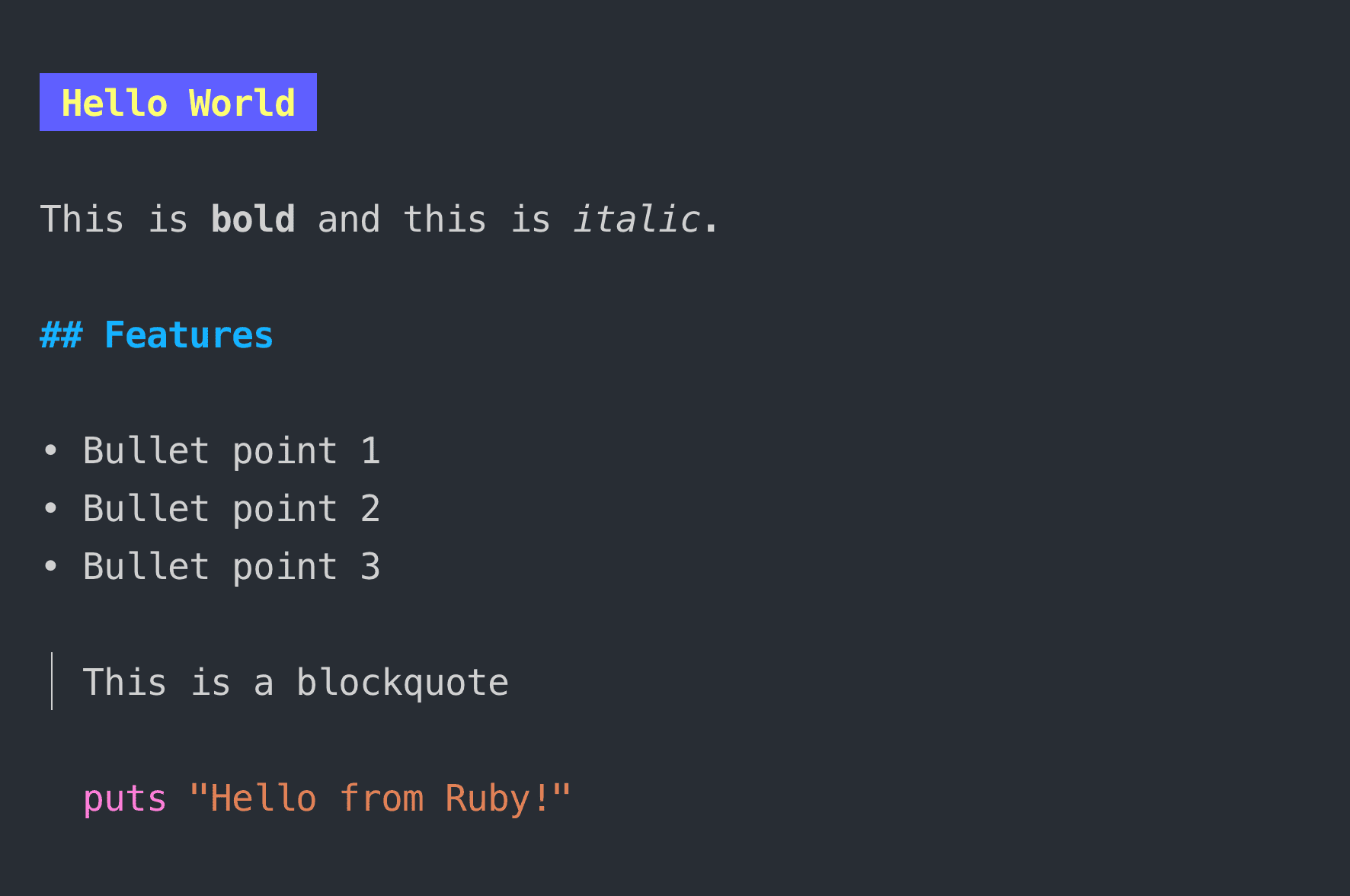
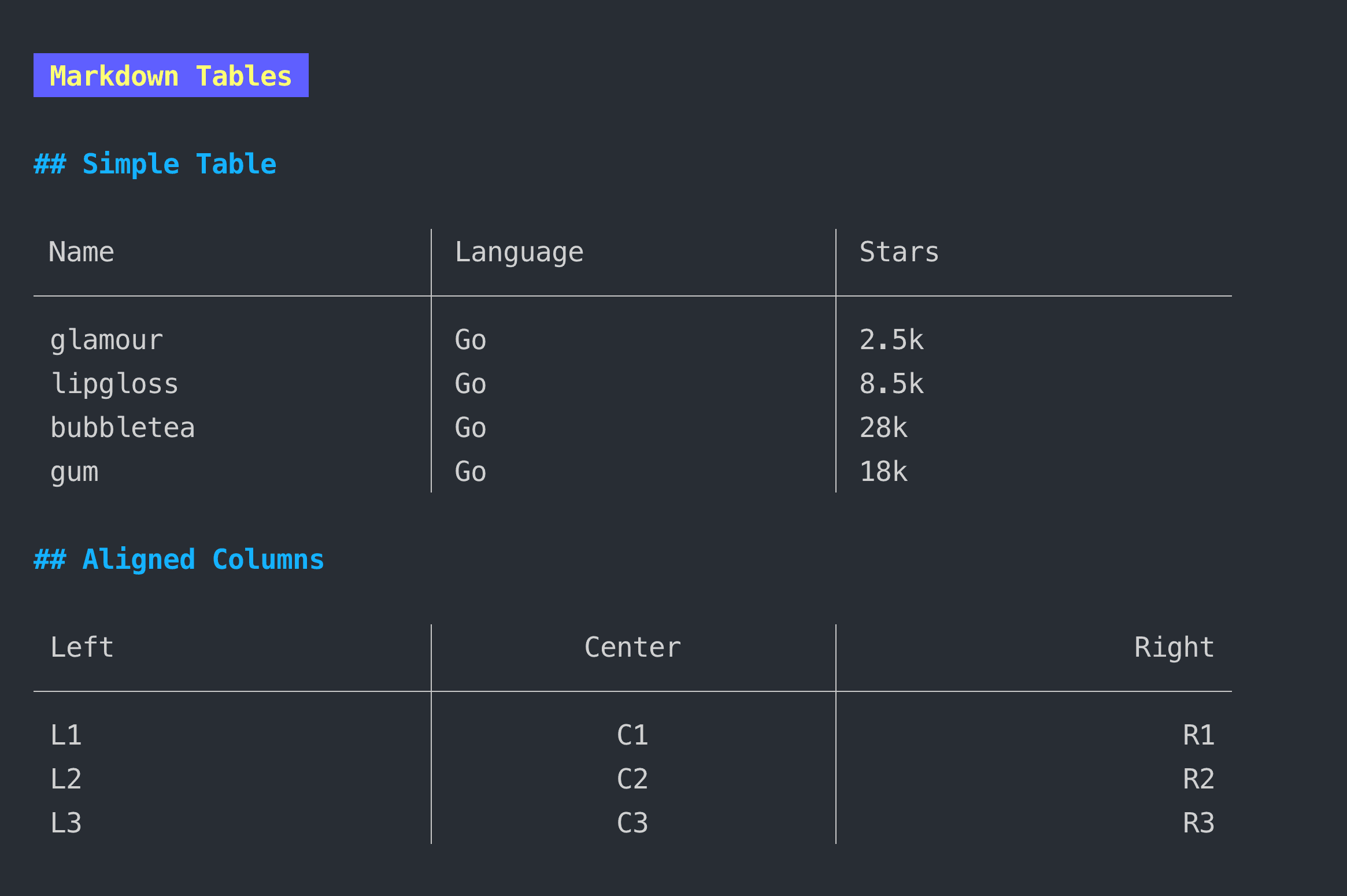
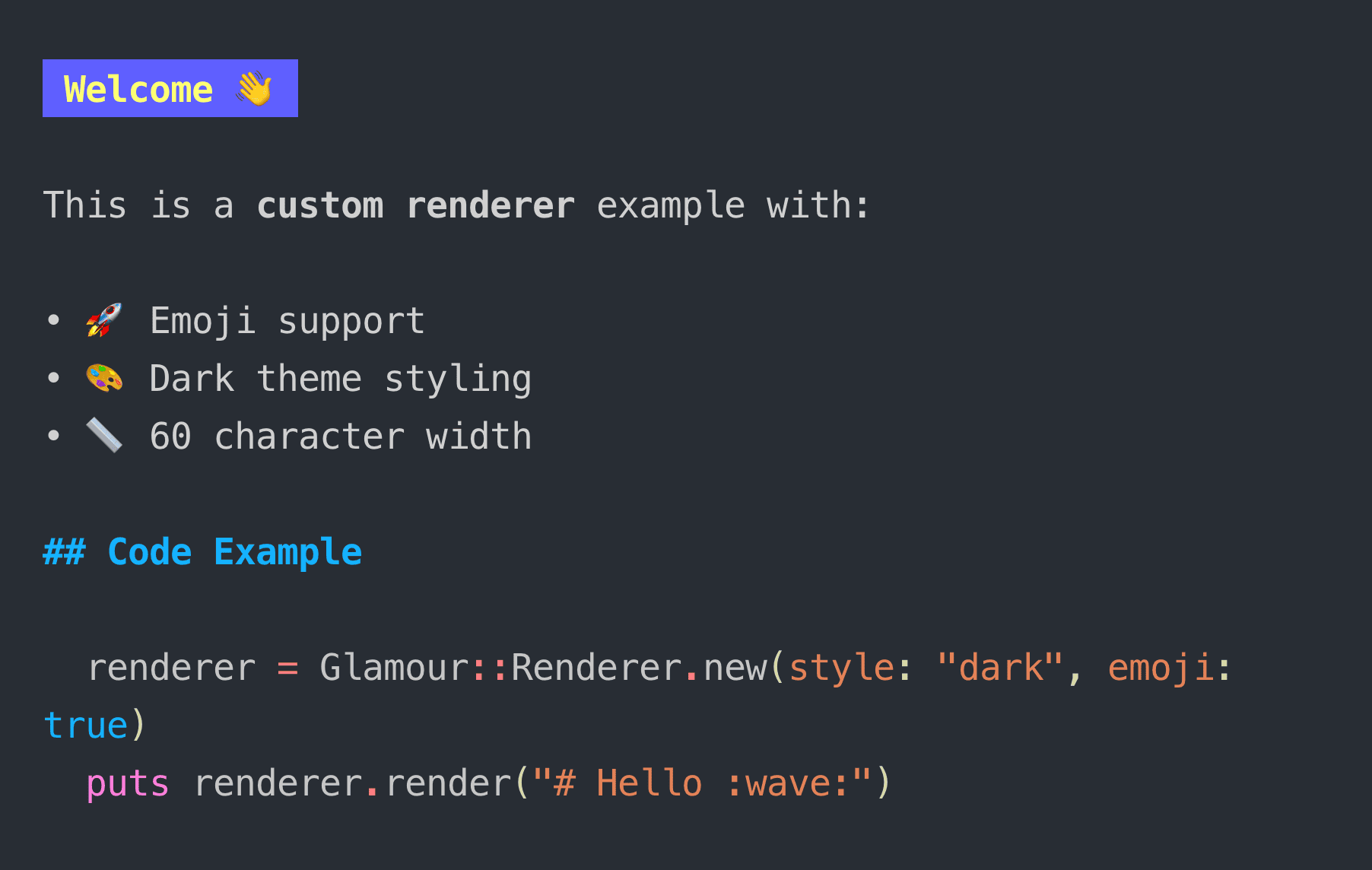
Glamour
Stylesheet-based Markdown rendering for the terminal. Supports syntax highlighting, multiple themes, and custom styles via a Ruby DSL.
Example
require "glamour" markdown = <<~MD # Hello, World! This is **bold** and this is *italic*. - Item one - Item two - Item threeMD puts Glamour.render(markdown, style: "dark", width: 80)Demos
Huh?
A simple, powerful library for building interactive forms and prompts. Includes inputs, selects, multi-selects, confirms, spinners, validation, and theming.
Example
require "huh" form = Huh.form( Huh.group( Huh.input .key("name") .title("What's your name?") .placeholder("Enter your name..."), Huh.select .key("color") .title("Favorite color?") .options( Huh.option("Red", "red"), Huh.option("Green", "green"), Huh.option("Blue", "blue") ), Huh.confirm .key("ready") .title("Ready to continue?") )) form.run puts "Hello, #{form["name"]}!"Demos
Harmonica
A simple, physics-based animation library. Damped spring oscillators for smooth, natural motion in your terminal UIs.
Example
require "harmonica" spring = Harmonica::Spring.new( delta_time: Harmonica.fps(60), angular_frequency: 6.0, damping_ratio: 0.5) position = 0.0velocity = 0.0target = 100.0 loop do position, velocity = spring.update(position, velocity, target) break if (position - target).abs < 0.01endDemos
Bubblezone
Mouse event zones for TUIs. Mark regions as clickable and easily determine which component was clicked in your Bubble Tea applications.
Example
require "bubblezone"Mark regions with zone identifiers
ok_button = Bubblezone.mark("confirm", styled_ok_button)cancel_button = Bubblezone.mark("cancel", styled_cancel_button)Check if mouse event is in bounds
if Bubblezone.get("confirm").in_bounds?(mouse_message) # Handle confirm clickendDemo
Gum
A tool for glamorous shell scripts. Ruby wrapper for Charm’s gum binary with an idiomatic API for inputs, selects, confirms, spinners, styled output, and more.
Example
require "gum"Text input
name = Gum.input(placeholder: "Enter your name")
Selection menu
color = Gum.choose("red", "green", "blue")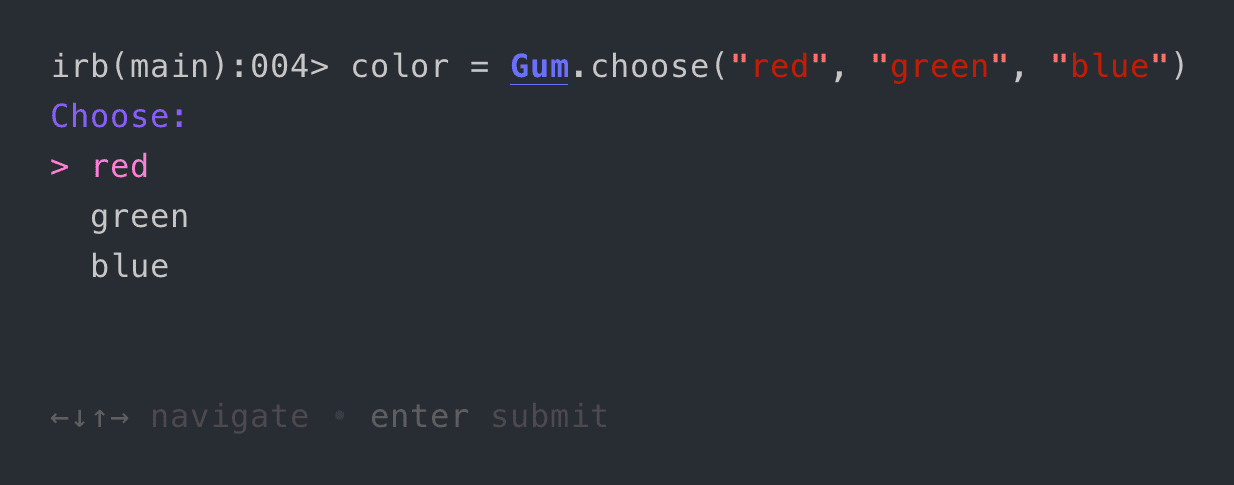
Confirmation prompt
if Gum.confirm("Continue?") Gum.spin("Processing...") { do_work }endStyled output
puts Gum.style("Done!", foreground: "212", bold: true, border: :rounded)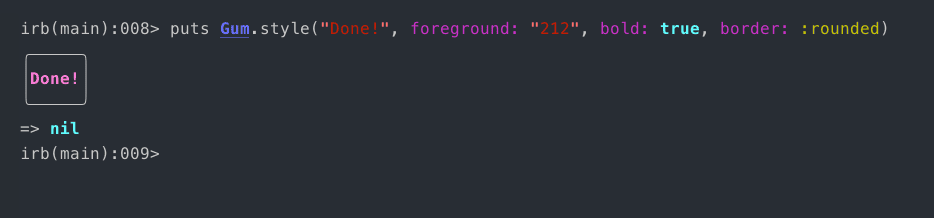
ntcharts
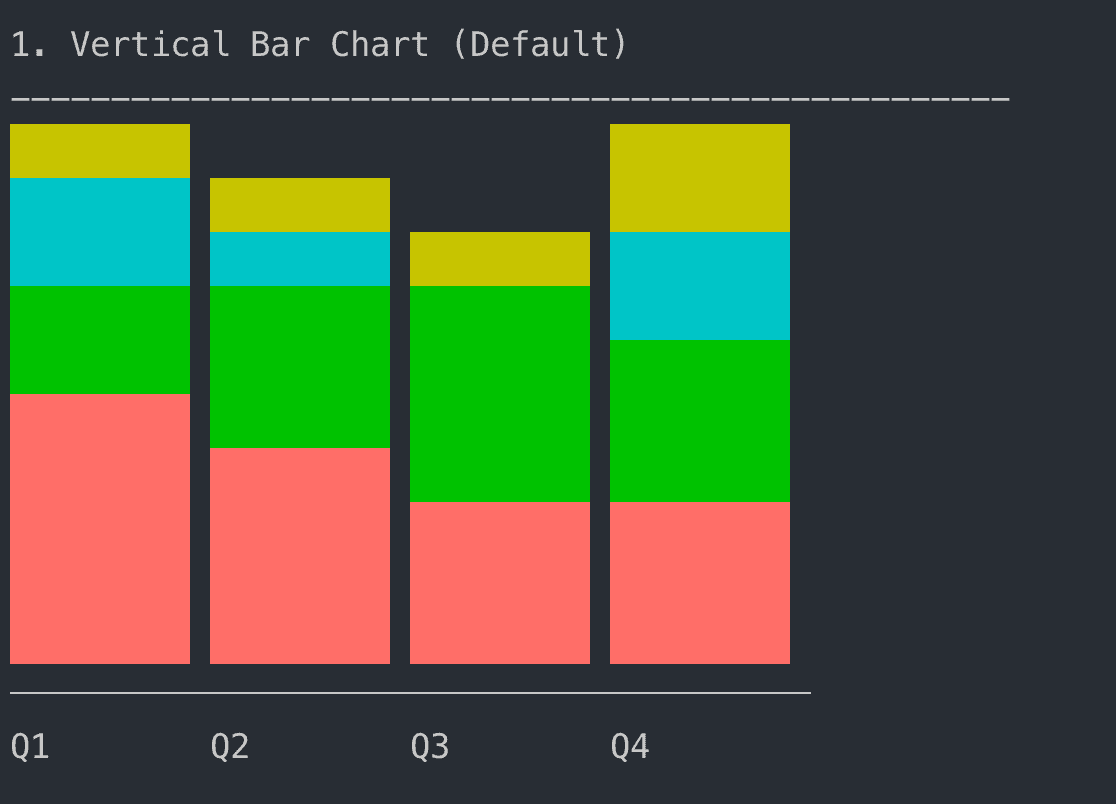
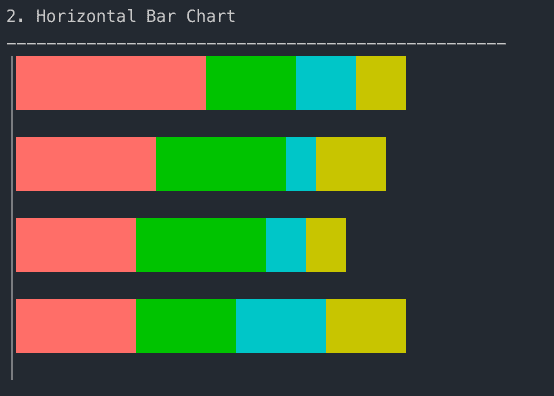
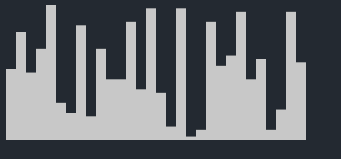
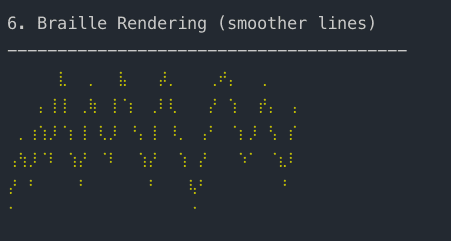
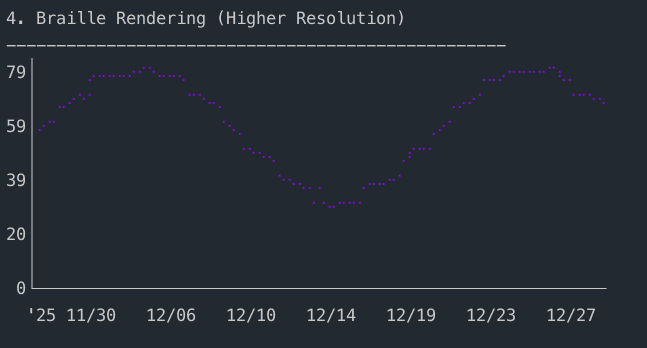
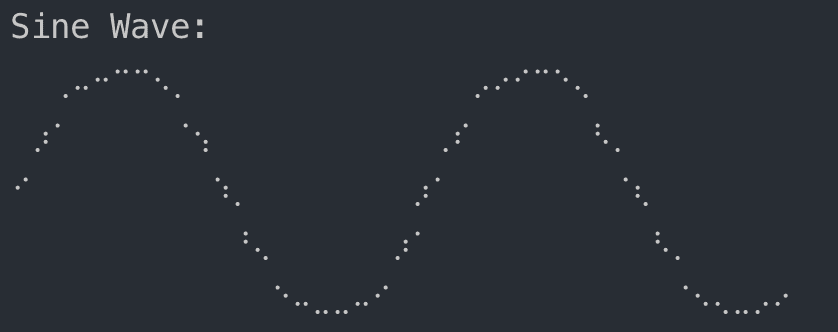
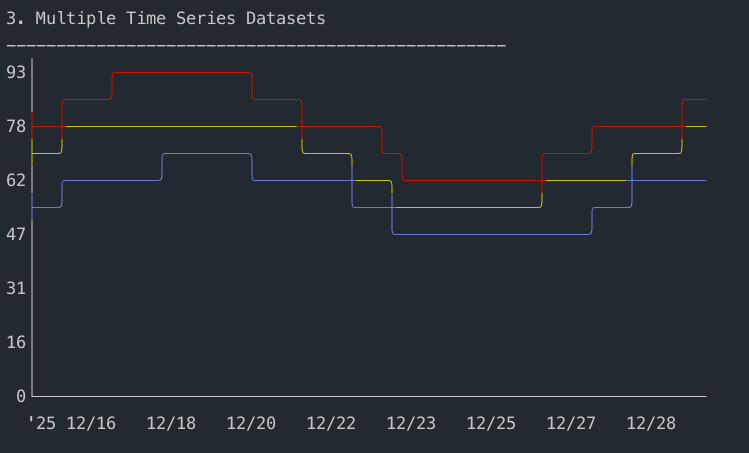
Nimble Terminal Charts. Visualize data beautifully with sparklines, bar charts, line charts, time series, heatmaps, and more.
Example
require "ntcharts" sparkline = Ntcharts::Sparkline.new(10, 5)sparkline.push_all([7.8, 3.8, 8.4, 2.1, 4.2, 6.8, 2.5, 9.2, 1.3])sparkline.draw puts sparkline.viewDemos
Installation
All gems (except huh) are available on RubyGems.org:
gem install lipglossgem install bubbleteagem install bubblesgem install glamourgem install harmonicagem install bubblezonegem install gumgem install ntchartsFor huh, add it to your Gemfile from GitHub (we reached out to the current owner of the huh gem and are hoping to be able to publish the gem under the huh name in the future):
gem "huh", github: "marcoroth/huh-ruby"Source Code
You can find more information at charm-ruby.dev. All libraries are open source and available on GitHub:
| Library | Gem | Repository |
|---|---|---|
| Lipgloss | lipgloss |
github.com/marcoroth/lipgloss-ruby |
| Bubble Tea | bubbletea |
github.com/marcoroth/bubbletea-ruby |
| Bubbles | bubbles |
github.com/marcoroth/bubbles-ruby |
| Bubblezone | bubblezone |
github.com/marcoroth/bubblezone-ruby |
| Glamour | glamour |
github.com/marcoroth/glamour-ruby |
| Gum | gum |
github.com/marcoroth/gum-ruby |
| Harmonica | harmonica |
github.com/marcoroth/harmonica-ruby |
| Huh? | huh |
github.com/marcoroth/huh-ruby |
| Nimble Terminal Charts | ntcharts |
github.com/marcoroth/ntcharts-ruby |
What’s Next
This is just the beginning. These are initial releases, and there’s plenty more to do.
The first pass was primarily focused on getting the Go functionality ported to Ruby. Now the real work begins: making these libraries feel more Ruby-like and idiomatic. I want to improve how the libraries work and integrate with each other, add more pre-built components, and make it even easier to get started building beautiful terminal applications.
Some areas I’m focusing on:
- Making the APIs more idiomatic and Ruby-like
- Improving integration between the libraries
- Expanding the component libraries with more ready-to-use pieces
- Better documentation and examples
- Performance optimizations
These are early releases, and there’s still work to be done. Some of the Go-based gems have quirks when used together due to how Goroutines are initialized. I’m actively working on these, and I’d rather build in public with the community than wait for everything to be perfect.
Let’s Build Together
But here’s what really excites me: imagine what we could build together. Think about all the CLI tools, test runners, generators, installers, and framework scripts we use every day.
What if they were all a little more polished, a little more interactive, a little more glamorous? Rails generators with beautiful progress indicators. Test runners with live, filterable output. Bundler with elegant spinners and styled summaries. Or entirely new applications that weren’t really possible before, but now are. The possibilities are endless!
I couldn’t wait to start exploring, so here are a couple of things I’ve been experimenting with:
Minitest Bubble Tea Runner
A Minitest plugin that uses Bubble Tea to run your tests with a beautiful, interactive interface. Inspired by Vitest’s terminal UI. The UI stays open after the run completes, letting you re-run the failed tests, filter to focus on specific tests, and enjoy a clean collapsible view that tucks away individual test cases when a file passes. (This is an extension of the static standalone Bubble Tea test runner demo in the Bubble Tea demos above.)
Herb TUI Playground
A terminal rebuild of the Herb Playground, built entirely with these libraries. Type HTML+ERB code and switch between tabs to explore the parsed AST, tokens, extracted Ruby, extracted HTML, and any parser errors, all in a beautiful split-pane terminal UI.
Thank You
A special thank you to Anton Sozontov for transferring the gum gem name on RubyGems.org, and to Tomas Valent for transferring the bubbles gem name.
The terminal has been around for decades, but that doesn’t mean it has to feel dated. With the right tools, you can build software that genuinely delights.
I hope these libraries inspire you to craft something that makes people stop and say “wow.”
But more than anything, I want to encourage you to build with these libraries. Build new tools. Upgrade your existing CLI applications to make them shinier, more glamorous, more beautiful. Add some color, some polish, some fun.
The terminal doesn’t have to be boring. Let’s make it glamorous.
I’d love to hear your feedback and see what you create! You can find all the libraries at charm-ruby.dev and browse the full collection on my GitHub list.
Happy Ruby 4.0 release day! Let’s make the Ruby command line glamorous.
— Marco
Code blocks highlighted by Torchlight.